Alwin Goh
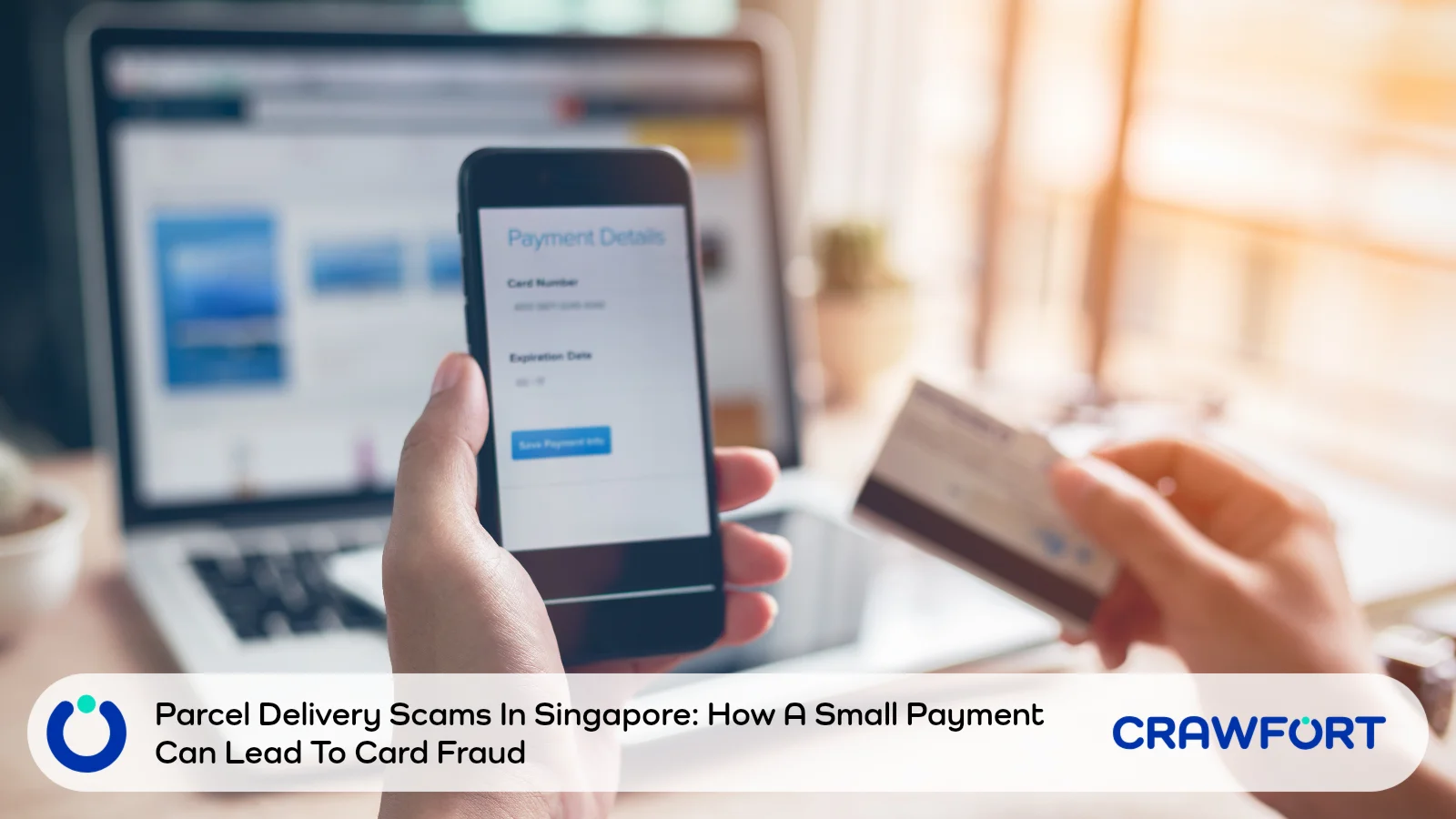
ScamShield’s guide to fake parcel delivery texts warns about scammers posing as couriers like Ninja Van and J&T Express. When the Police first flagged the scam in mid July 2026, it had caused at least 43 cases and more than S$259,000 in losses. Five weeks later, losses had reached about S$2.2 million, as scammers moved from SMS to Apple iMessage and started copying more courier brands.
The trick itself hasn’t changed. A message says your parcel can’t be delivered because the address is invalid. The link leads to a fake courier page asking for a redelivery fee of between S$0.06 and S$1.64. You’re then asked to key in your card details and approve the payment with your digital token, and your card may end up in a scammer’s Google Pay or Apple Pay wallet without you knowing.
Already typed in your card details, or approved something in your banking app that you didn’t expect? Call the bank that issued your card right now. Waiting for a bigger charge to show up only gives the scammer more time.
Quick Summary: What Happened And What To Do
We’ve split this by how far you got. Pick the row that sounds most like you.
| What Happened | What To Do First | What To Explain |
|---|---|---|
| You only received the message | Check the order through the courier’s official channel | Do not use the link or contact number in the message |
| You opened the link but entered nothing | Close it and stop interacting | Check whether you downloaded anything or granted permissions |
| You entered card details | Contact your card issuing bank immediately | The details went into a suspected phishing website |
| You shared an OTP or approved a banking prompt | Tell the bank about possible wallet enrolment | Describe the approval, not just the small fee |
| You see an unfamiliar transaction | Ask the bank to secure the card and investigate | Keep the transaction details and relevant messages |
Table of Contents
- How Has The Scam Grown Since ScamShield’s Warning?
- Why A Few Cents Can Cost You Much More
- Read What The Bank Approval Is Actually For
- Check The Parcel Without Using The Message
- Already Clicked Or Shared Details? Here’s What To Do
- What To Tell Your Bank And Keep For A Report
- Watch For A Second Scam After The First
- A Safer Routine For Delivery Messages
- Check The Delivery Before You Approve Anything
- Frequently Asked Questions
How Has The Scam Grown Since ScamShield’s Warning?
ScamShield’s guide is based on the first Police advisory, but the story didn’t stop there. The Police put out two more updates over the following weeks, and at the end of October 2026 ScamShield warned that scammers had started using new courier names.
| Date And Source | Reported Cases And Losses | What Was New |
|---|---|---|
| 15 July 2026 (Police) | At least 43 cases since 24 June, with losses above S$259,000 | SMS from +212 (Morocco) numbers and random email addresses posing as Ninja Van and J&T Express; at least 20 reports on 13 July alone |
| 5 August 2026 (Police) | At least 251 cases since 24 June, with losses above S$1.2 million | Messages sent through Apple iMessage from numbers including +63 and +44; DHL and SingPost also impersonated |
| 20 August 2026 (Police) | Losses of about S$2.2 million | More than 30,000 linked iMessage accounts disrupted; SPX Express, government agencies and financial institutions also impersonated |
| 31 October 2026 (ScamShield) | No new figures published | Fake courier sites copying TracX Logis and Uparcel, aimed at Apple users |
The 15 July Police advisory first described the scam. Messages told people to update their address within 24 hours through a link made to look like the courier’s real web address, and then asked for a small redelivery fee.
The move to iMessage came next. According to the 5 August advisory, some messages asked you to reply “Y” or “1” before doing anything else. There’s a reason for that: replying can make a link clickable when iMessage would normally keep it disabled for an unknown sender.
By the 20 August update, losses had climbed to about S$2.2 million. The Police explained that iMessage sits outside both the SMS filters run by telcos and Singapore’s Sender ID registry, which is why these messages can reach your phone even when similar SMS scams are being blocked.
The latest twist came on 31 October 2026. ScamShield’s alert for Apple users describes fake sites copying two smaller couriers, TracX Logis and Uparcel, where victims had their personal and payment details stolen while trying to claim a delivery.
Why A Few Cents Can Cost You Much More
ScamShield’s guide flags one warning sign above all: a so-called delivery update that wants you to pay through a link and then confirm the payment with your digital token. Couriers don’t collect redelivery fees that way. When there’s a real problem with your parcel, it gets sorted out through the courier’s own app or hotline.
Two separate things happen in this scam. You first hand your card details to a stranger, and then you may approve those details being loaded into a mobile wallet on the scammer’s phone. It’s the second step that turns a few cents into a much bigger loss.
That tiny fee is deliberate. When the amount is so small, most people focus on whether the parcel is theirs and barely glance at what the banking prompt says.
Picture a page asking you for S$1 to sort out a delivery problem. (We made that amount up; it isn’t from a reported case.) If the bank notification that pops up next mentions adding your card to a wallet, something’s off, because paying a fee and setting up a wallet aren’t the same thing. That’s your cue to reject it and check things yourself.
Many people only noticed when charges they didn’t recognise turned up on their card bill. You might really be waiting for an online order that week, too. That still says nothing about who sent the text.
Read What The Bank Approval Is Actually For
A bank notification can be real even when the website that triggered it is fake. So read the action named in the notification. Seeing your usual banking app doesn’t prove the courier page is safe.
A February 2025 statement from the Association of Banks in Singapore on card provisioning scams sets out how this works. Victims type their card details into a phishing site, and the scammer then uses the OTP or approval they give to load that card into a mobile wallet on the scammer’s own phone. Banks now ask for an extra check, either inside their own app or through your digital token, before a card can be put into a wallet.
“Provisioning” is the banking word for setting up a card in a mobile wallet. It isn’t a payment. Screens look different from bank to bank, so a scam may not match the steps here exactly.
Before you tap approve, run through these three questions:
- What does the bank say I’m authorising?
- Did I start that action myself, through a service I’ve checked?
- Do the merchant, amount or wallet details match what I meant to do?
Say you meant to pay a delivery fee and you’re now looking at a request to set up a wallet. Stop there, and don’t approve it just to find out whether the fee goes through. A page you haven’t verified also has no business telling you to change your payment security settings, even if it claims they’re holding up your parcel.
If the wording confuses you, call your bank on a number you found yourself or message it through its own app. And if a payment screen keeps failing, take that as a reason to stop, not to keep approving until something goes through.
Check The Parcel Without Using The Message
Go back to where you placed the order, whether that’s the shopping app, the retailer’s website or the order email in your inbox. The courier’s name and tracking number will be there. Use them in the courier’s own app, or on its website after typing the address in yourself.
Now hold that up against the text. Was there really a failed delivery? Is the address problem even linked to anything you bought?
If they don’t match, contact the courier using the details on its own app or website. Calling the number in the text won’t help, because you’d just be asking the scammer to confirm their own story.
The Police also shared how couriers normally reach you. Genuine SMS comes from registered Sender IDs, which you can look up on the Singapore SMS Sender ID Registry. Delivery drivers might call or WhatsApp you about delivery details, though they won’t ask for payment unless the parcel is cash on delivery or needs GST paid first. J&T Express Singapore has said it doesn’t charge redelivery fees at all.
For SingPost, its online security page says payments can only be made through the SingPost Mobile App, at SAM machines or at a post office, never through an online link. When it can’t deliver something, SingPost leaves a paper Non-Delivery Advice that tells you where to pick it up.
SingPost does still text people now and then, for things like one-time PINs for its app and POPStations. So an SMS from SingPost isn’t automatically fake. Look at what it wants from you. If it asks for money or card details through a link, treat it as a scam.
Anyone can copy a logo, the right colours or a tracking number. A page that looks professional still needs checking through a channel you reached on your own.
Sometimes the text even has your real name or address. That only means the scammer got hold of it somewhere; it doesn’t make them a courier. The same goes for scams that use details leaked in a data breach.
Already Clicked Or Shared Details? Here’s What To Do
You Opened The Page But Entered Nothing
Close the tab and don’t go back to it. Just opening the link won’t put your card in anyone’s wallet. Think back, though: did you type anything in, download a file or install an app while the page was open?
Tell your bank if you installed anything or let the page access your phone. It’s a different kind of risk from just looking at a page, and ScamShield has separate steps if you’ve installed a malicious app.
You Entered Your Card Details
Call your card issuing bank straight away, even if you never sent an OTP and haven’t seen any charge yet. Tell them your card number, expiry date or security code may have gone into a fake courier site. The bank will decide whether to block the card or send you a new one.
Backing out before the final approval does help. The card details you’ve already typed in are still exposed, though.
You Approved A Request Or Shared An OTP
Say you think you approved a request to add your card to a digital wallet. Give a rough time and describe what the screen showed. Then ask the bank to check for wallet registrations you don’t recognise.
The bank needs to hear the whole sequence, which is that your card details were exposed first and you approved something afterwards. Deleting the card from the wallet on your own phone won’t touch a copy sitting on someone else’s device.
You See An Unauthorised Transaction
From here, follow your bank’s process for reporting fraud and disputing the charge. You can also ask what documents it needs and what to do about any card bill that falls due while the investigation is going on.
The ScamShield guide for scam victims has four steps: call your bank, make a police report, lock down your accounts and warn your contacts, and report the scam to whichever platform it came through. You may not get the money back. Reporting quickly still gives the bank its best shot at stopping more from going out.
What To Tell Your Bank And Keep For A Report
When you call, take the bank through what happened in the order it happened. Mentioning only that you paid a small delivery charge could lead the bank to overlook the wallet risk entirely. If you haven’t saved your bank’s number, ScamShield keeps a list of banks’ anti-scam hotlines. You can adapt this wording:
“I entered my card details on a website linked from a delivery message. I then approved a banking request. I suspect my card may have been added to a digital wallet I don’t control. Please check and secure the card.”
Be accurate. Don’t say you approved something unless you did. If you can’t remember what the screen said, tell the bank that, give a rough time, and it will ask for whatever records it needs.
Useful Details To Keep
- The original message, sender details and time received
- The website address, written down without visiting it again
- The card involved, noted by its last four digits
- Any approval notification or wallet registration alert
- The date, amount and merchant name of any unfamiliar transaction
- The bank’s case reference and your police report number
Hold on to whatever’s already on your phone. Your call to the bank matters more than a tidy evidence folder, and there’s no need to reopen the phishing page for a screenshot.
Anyone offering to help through a casual chat shouldn’t get your full card number, security code or OTP. Those details belong only in your bank’s verified reporting channel.
If you also gave away an account password, put that in your report too. Securing an exposed card and securing a hacked login are two separate jobs, and the bank needs to know about both.
Watch For A Second Scam After The First
Watch out for a follow-up message claiming your fee didn’t go through, or one offering a refund or help getting your money back. These usually come with another request, whether it’s a fresh OTP, a new approval or a so-called recovery payment.
Keep your dealings to your bank’s official channels and the Police. A stranger who knows about the first scam hasn’t earned your trust, and may simply be part of it.
Paying a fee to release a refund or recover lost money is never legitimate. If someone calls saying they’re investigating your case, hang up and phone the organisation they mentioned using its official number, and save the new message with the rest of your records.
If your email or another online account was compromised, secure it first and then warn your contacts that someone might try to impersonate you. When you warn friends or family, share a screenshot or describe the warning signs instead of forwarding the live phishing link to the group chat.
A Safer Routine For Delivery Messages
It’s worth bookmarking or downloading the official apps of the couriers you use most, and keeping your order confirmations until each parcel turns up. Save your bank’s fraud hotline in your contacts as well, so you aren’t searching for it while panicking.
Transaction alerts with a low threshold mean even a charge of a few cents will reach your phone. Banks offer different card and wallet controls, so ask yours which ones you can switch on.
The ScamShield app filters scam SMS and lets you check a suspicious message, number or link before you reply. On an iPhone, the Police also recommend turning on “Filter Unknown Senders” and “Filter Spam” in your Messages settings, and reporting suspicious iMessages through the app’s report option.
Reading an approval request properly before you tap it is a habit worth building. For parents or older relatives who find these messages confusing, one shared rule works well: check the order in the official app before paying for or approving anything.
Delivery text scams are part of a bigger pattern, since most scam losses in Singapore still come from victims sending the money themselves. Here’s why transfers that victims make themselves still drive most scam losses in 2026.
Also read: how Singapore’s Scam Vaccine programme works and what to check before joining.
Check The Delivery Before You Approve Anything
Losses from courier impersonation scams grew from S$259,000 in mid July 2026 to about S$2.2 million by late August, and scammers were still copying new courier names at the end of October. The basic trick hasn’t changed in all that time. If a delivery message leads to a payment request, step away and check your parcel through an official channel, and if a bank prompt appears, read exactly what it’s asking you to approve.
If you’ve already shared card details or approved something unexpected, tell your bank about the possible card and wallet exposure straight away.
Scammers also pose as lenders who promise fast cash, and the same rule applies there: never pay anything upfront, and confirm who you’re dealing with first. Our guide on protecting your Singpass from loan scams covers their usual tactics, and this warning about a fake lender website shows how easily branding can be copied. If you ever need to borrow, apply with Crawfort, a licensed moneylender regulated by the Ministry of Law, and read your written loan offer before you sign.