Alwin Goh
Before joining Scam Vaccine, check whether you are comfortable receiving realistic scam simulations without advance warning. Your decision should also account for possible recordings and the terms governing records collected during an exercise.
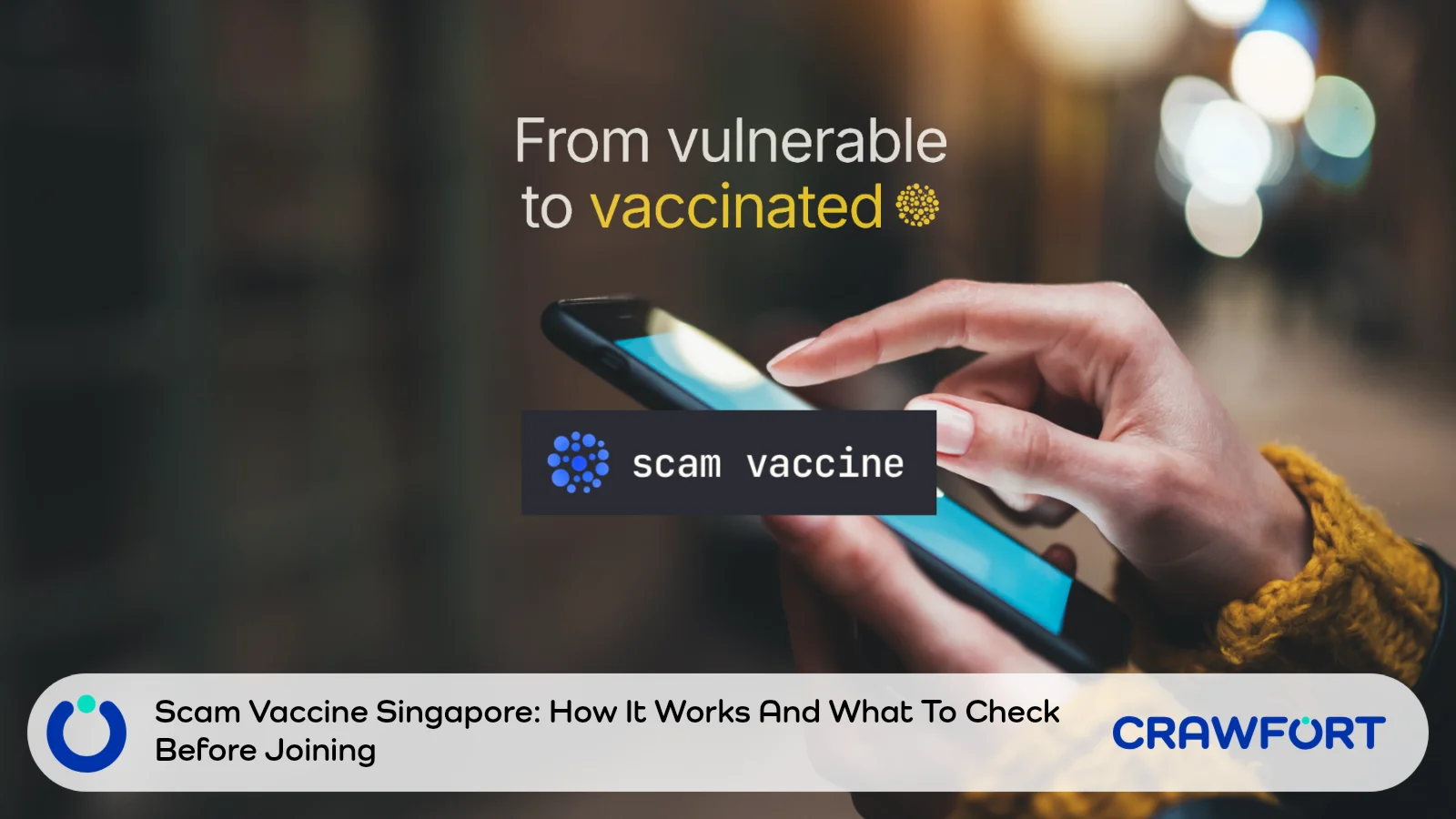
Scam Vaccine is a voluntary awareness programme developed by Open Government Products (OGP), a GovTech unit. Its training may be useful, but joining should be a considered choice. In particular, the published information about deleting registration details differs from the wording about retaining exercise records.
The programme details in this guide were checked against the official Scam Vaccine website, its consent statement (last updated 6 May 2026) and ScamShield guidance as of 5 October 2026. Terms may change, so read the current versions before you register.
Start with the experience you are consenting to and the records it may create. These checks help you decide what to clarify before submitting the form.
| Area | What To Check Before Joining |
|---|---|
| Participation | Whether you are comfortable receiving simulated scam calls or WhatsApp messages without advance warning |
| Registration | Whether you understand the details requested (name, mobile number and age range) and the two consent boxes |
| Exercise Data | Whether you accept that call audio, transcripts, chat logs and behavioural data may be captured |
| Withdrawal | Whether you understand that stopping the simulation does not mean existing exercise records will be deleted |
| Confidentiality | Whether you are comfortable not discussing scenarios with people who have not yet taken part |
| Family Support | Whether everyone involved understands that real scams can still arrive while they are enrolled |
| Everyday Protection | Whether you will keep verifying suspicious requests independently, regardless of the programme |
Table of Contents
What Is Scam Vaccine In Singapore?
The official Scam Vaccine website explains the idea in three steps: OGP detects a new scam variant through ScamShield, recreates a safe version of it, and sends that version to participants so they can experience it before the real one reaches them. OGP also built ScamShield, which is why new variants reported there can feed the programme.
The project started at OGP’s Hack for Public Good 2026. The site reports that trial participants responded positively, but it also notes that the results came from a controlled study and that individual results may vary.
The “vaccine” name describes a training approach. It is not a promise that you will become immune to fraud.
Some people learn well by practising under pressure; others prefer to learn without unexpected contact. Choose the approach that suits you, rather than treating participation as a test of how capable you are.
It also helps to decide what you want to get out of it. Recognising a suspicious message is one goal. Being able to end a persuasive conversation, resist an artificial deadline or ask someone else for a second opinion may be just as valuable.
How The Scam Simulations Work
Signing up places you on a waitlist; it does not guarantee an immediate exercise. OGP moves people from the waitlist to active subscribers when it is ready. After that, simulations are sent only when a scam pattern worth training for is detected, so there is no fixed schedule. Some periods may be quiet, and OGP says it keeps the volume low.
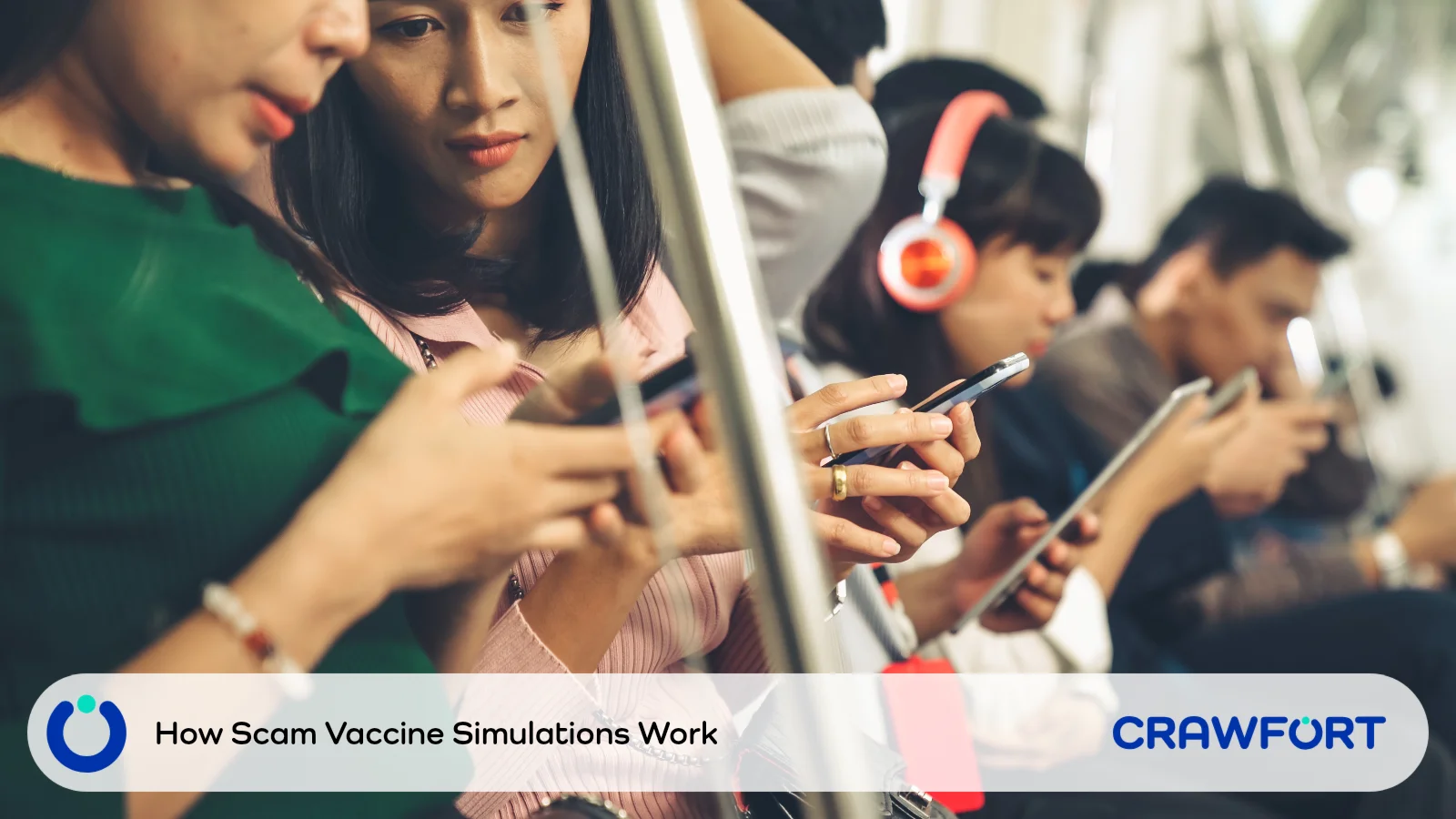
According to the site, the simulations are designed to look and feel real but have every harmful element removed. They cannot take your money, install anything or pass your data to a third party, and each message is labelled afterwards so you know it came from the programme. Media reports have described the simulations as AI-powered and unscripted, and the consent statement confirms that some interactions may be run through automated or digital systems.
Expect To Make Decisions Without Advance Warning
The consent statement calls this “incomplete disclosure”: the specific scenario, contact method and timing are deliberately not revealed beforehand, because doing so would undermine the exercise. Knowing you have joined a training programme therefore does not tell you when a particular interaction will happen.
Consider an illustrative situation: a caller claims an urgent matter needs your attention while you are commuting. The useful response is to pause and verify the claim independently. You do not need to keep the conversation going to prove you can spot the trick.
This is an example of a response to practise, not a description of an actual Scam Vaccine scenario.
Use The Debrief To Choose A Practical Habit
If you reach the end of a simulation, you receive a debrief through a gov.sg link on WhatsApp. It sets out the red flags, what you caught and what to watch for next time. If you end the interaction early, OGP says it will still send the same information through official channels, such as a gov.sg SMS to the number you registered.
When you read the debrief, focus on the moment you felt pushed to act. Was it the caller’s confidence, an apparent deadline or a request to keep something secret?
Then choose one action you can repeat. For example: “If someone asks me to act before I can check, I will end the call and verify separately.” Keep it short enough to remember when you are distracted.
Keep any notes focused on your own response. The consent statement says the exercise content may be confidential and protected under the Official Secrets Act, and asks participants not to discuss scenarios with people who have not yet taken part.
What Data May Be Collected?
It helps to separate registration details from the records created while you take part.
For registration, the form asks for your full name, a Singapore mobile number and an age range. You are also asked to tick two consents: one to receive an SMS OTP and occasional updates, and one to take part in the simulation exercise. The homepage FAQ says these details are kept for up to 12 months and that you can ask for them to be deleted at any time.
The full consent statement goes further. It says your participation may capture call audio recordings, conversation transcripts, chat and message logs, and behavioural data such as response times, actions taken and navigation patterns. GovTech owns these records and retains them for audit, record-keeping and research purposes.
The stated uses include improving scam awareness programmes, informing public education campaigns, supporting policy work and internal evaluation. Aggregated statistics may be published, and anonymised quotes, still images or screenshots from your session may be shared with entities outside the team for those purposes. The statement adds that your data will not be passed to external vendors for storage or processing.
Withdrawal And Deletion Need Clarification
You can withdraw at any time by emailing [email protected], and the simulation will then stop. However, the consent statement also says that all data collected up to that point will be retained for audit and record-keeping purposes and cannot be deleted on request.
That wording differs from the homepage’s statement that you can ask for your data to be deleted at any time. The two may refer to different categories of data, with registration details on one side and exercise records on the other, but the published pages do not set out one clear deletion rule for everything.
If this affects your decision, ask OGP in writing which records can be deleted, which must be kept and for how long exercise records are retained. OGP says it responds to support emails within three working days.
Decide What You Are Comfortable Having Recorded
Imagine explaining your decision to a friend. Would you say, “I am happy to receive a simulation,” or “I am happy to receive a simulation and have my responses recorded and retained for the stated purposes”? If the second sentence changes your answer, read the consent again before submitting the form.
During any unexpected conversation, avoid volunteering unrelated details. Information about another person’s health, family disputes or workplace matters is not needed to practise handling a suspicious request.
What To Check Before Joining
There is no need to rush because a programme is new or getting attention. Take the time to decide whether the experience and the terms fit your circumstances.
Start From The Official Website
Type the official Scam Vaccine address into your browser yourself, and read the current sign-up options, consent statement and privacy information there.
Treat a forwarded invitation as a prompt to look up the programme, not as proof that the link inside it is genuine. If anything in a message differs from what the official site says, stop and clarify before going further.
Read The Terms As A Participant
Pay particular attention to recordings, data uses, withdrawal and confidentiality. Think about what each term would mean for you personally, rather than whether it simply sounds routine.
For example, being comfortable receiving a call does not automatically mean being comfortable with an audio record of how you responded. Likewise, asking to stop future exercises does not settle what happens to records that already exist.
Write down any unanswered questions before you register. That way you can ask for a specific explanation instead of accepting a general reassurance that everything is safe.
Discuss Support With Family Members
If you are helping a parent or another relative, read the terms together. Explain the difference between agreeing to a training exercise and assuming that later messages are trustworthy. The sign-up form includes age ranges from under 18 to 70 and above, so check that the person joining genuinely understands and agrees to the terms.
Avoid signing someone up as a surprise or presenting the exercise as a test they must pass.
Agree on a simple fallback: when unsure, end the conversation and contact a trusted person. Pick someone who will respond calmly and will not make the participant feel embarrassed for asking.
Consider Timing And Emotional Comfort
Ask whether unexpected contact could disrupt work, caregiving or another demanding situation. Someone who has recently been scammed may also prefer a less immersive way to learn.
If an immersive exercise does not suit you, try a quieter approach: read a scam warning together, talk through the requested action and rehearse a short refusal.
What Scam Vaccine Cannot Protect You From
Training cannot confirm that the next caller, message or payment instruction is genuine. The programme’s safety measures apply to its own controlled exercises; they do nothing to make unrelated contact safe.
A Familiar Pattern Can Still Have A Different Outcome
Recognising an approach you have seen before may help you pause, but it does not verify the person using it. A real scammer can copy familiar wording, switch to a different channel or change the story when challenged.
Tie your decision rule to the requested action instead. A demand to transfer money, reveal credentials or approve an unexpected login still needs independent checking, however familiar the conversation feels.
This matters because most scams in Singapore still rely on victims moving the money themselves. According to the Singapore Police Force’s Mid-Year Scam and Cybercrime Brief 2026, self-effected transfers made up 80.8% of reported scam cases in the first half of 2026, even as total losses fell to about S$410.6 million. This breakdown of why self-effected transfers still drive most scam losses explains why the moment of authorising a payment deserves your full attention.
Keep ScamShield And Bank Safeguards In Place
Scam Vaccine offers practice. Keep using the tools and routines that help you assess real contact.
The ScamShield app lets you check suspicious calls, websites and messages, including SMS, WhatsApp and Telegram. You can also call the 24-hour ScamShield Helpline at 1799, or +65 6869 1799 if you are overseas.
Keep your usual banking safeguards and transaction alerts switched on. Verify through a channel you choose yourself, such as your bank’s app or the contact details on the back of your card.
Also read: how to protect your Singpass from loan scams and use ScamShield safely.
What To Do If A Suspicious Request Arrives
Being on the waitlist should not change how you respond to a possible threat. Never try to find out whether something is a simulation by taking a risky action to see what happens next.
- Pause the requested action. Do not transfer money, disclose passwords or OTPs, install software or approve an unexpected transaction.
- Verify separately. Leave the conversation and use contact details you have found independently. A number or verification link supplied by the caller is part of the same unverified claim.
- Get help when needed. Ask a trusted person, use the ScamShield app or call 1799 before acting.
If you have already transferred money or exposed account details, follow ScamShield’s steps after a scam: contact your bank immediately, file a police report, secure affected accounts and report the incident to the relevant platform. For urgent police assistance, call 999.
Do not wait for a possible debrief before dealing with a real financial loss or a compromised account.
Make The Joining Decision On Your Own Terms
Join only when you understand the experience and are comfortable with the terms. If data deletion or retention affects your decision, get a written clarification from OGP before registering.
The habit worth carrying forward is the ability to pause, end a conversation and check a claim independently. You need that whether you join Scam Vaccine, read a warning or practise with a family member.
Scammers often pose as lenders offering quick approval, so if you ever need to borrow, verify the business on the Registry of Moneylenders’ list first and never pay anything upfront to release a loan. When you are ready, apply with Crawfort, a licensed moneylender regulated by the Ministry of Law, and review your written offer before you sign.
Important note: This article is for general information only and does not consider your personal financial situation. Before taking a loan or agreeing to a restructuring plan, review the contract carefully and make sure the repayments are manageable.