Alwin Goh
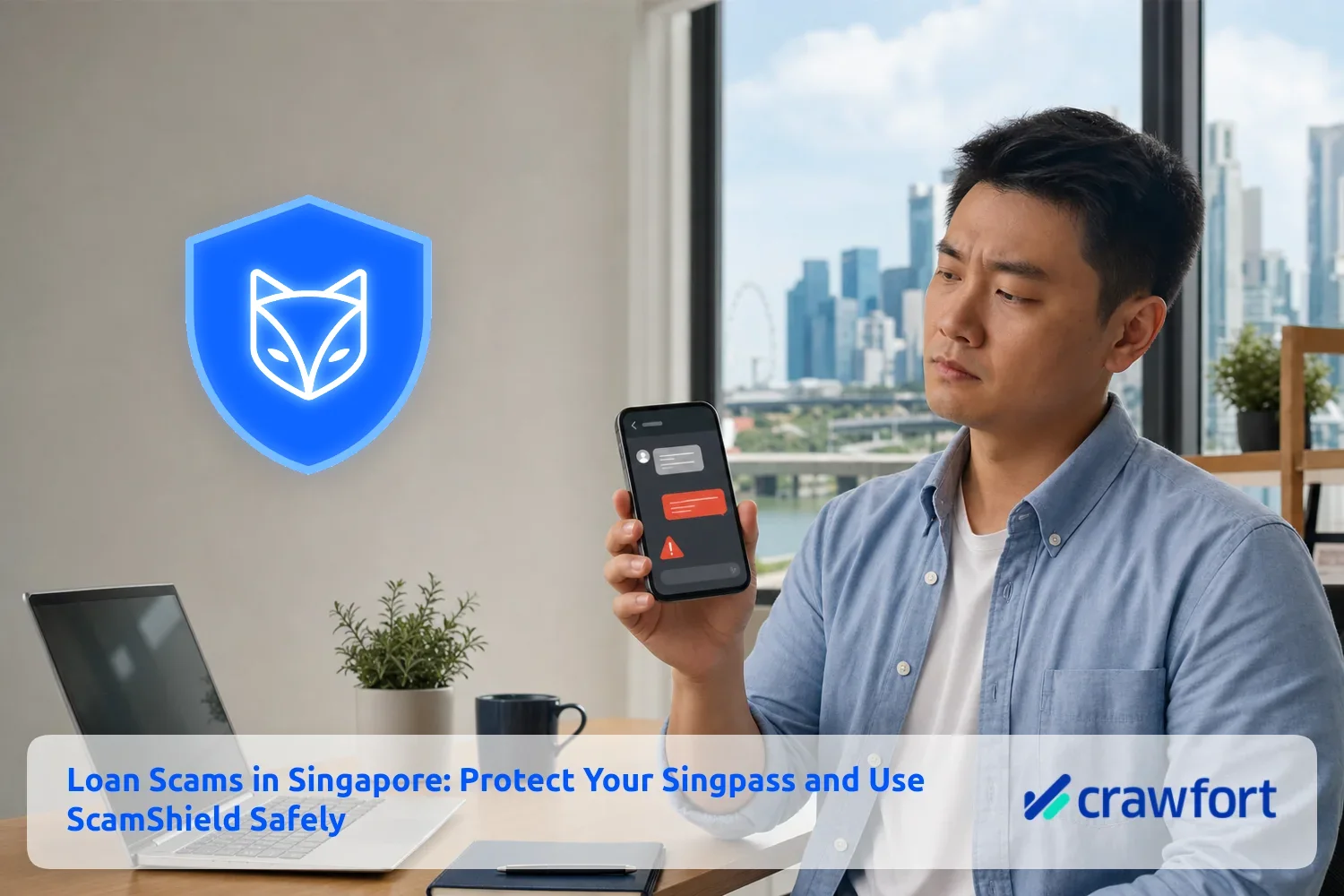
A message offering quick cash can feel timely when an urgent bill is due. But if the sender asks for your Singpass password, a one-time password (OTP) or a payment before releasing the loan, stop the conversation. Those requests are serious warning signs.
Your safest first move is simple: do not reply, click the link or scan the QR code. Check the message independently, verify the lender through official sources and protect your Singpass account.
The main warning signs and the safest response become clearer when you compare them side by side.
| What You Receive | Why It Is Suspicious | What To Do |
|---|---|---|
| An unsolicited loan offer by SMS, WhatsApp or social media | Licensed moneylenders cannot solicit loans through these channels | Do not respond; check and report the message |
| A request for your Singpass password, passcode or OTP | These details can expose your digital identity and linked accounts | Do not disclose or approve anything |
| A request for a processing, GST or deposit payment before disbursement | Upfront transfers are a recognised loan-scam tactic | Do not transfer money |
| A link or QR code for “verification” | It may lead to phishing or authorise access you did not intend | Check it through ScamShield without opening it |
Table Of Contents
Why Your Singpass Details Must Stay Private
Singpass is used to access hundreds of government and private-sector digital services. Its official account-security guidance tells users to keep their Singpass ID, password and two-factor authentication details confidential, because stolen credentials can be misused for unlawful transactions that are hard to reverse.
A scammer who obtains your credentials may try to take over your account or misuse services linked to your identity. In loan-scam cases, the Singapore Police Force has warned that stolen credentials have been used in attempts to open bank accounts or register mobile lines. More recent cases show that disclosed Singpass credentials can also be used to set up accounts connected to scams and other criminal activity.
Do not assume a request is safe because the sender claims Singpass is needed to check your income or speed up approval. A proper lender may ask for documents and carry out identity checks through legitimate processes, but it should never ask you to reveal your Singpass password or OTP.
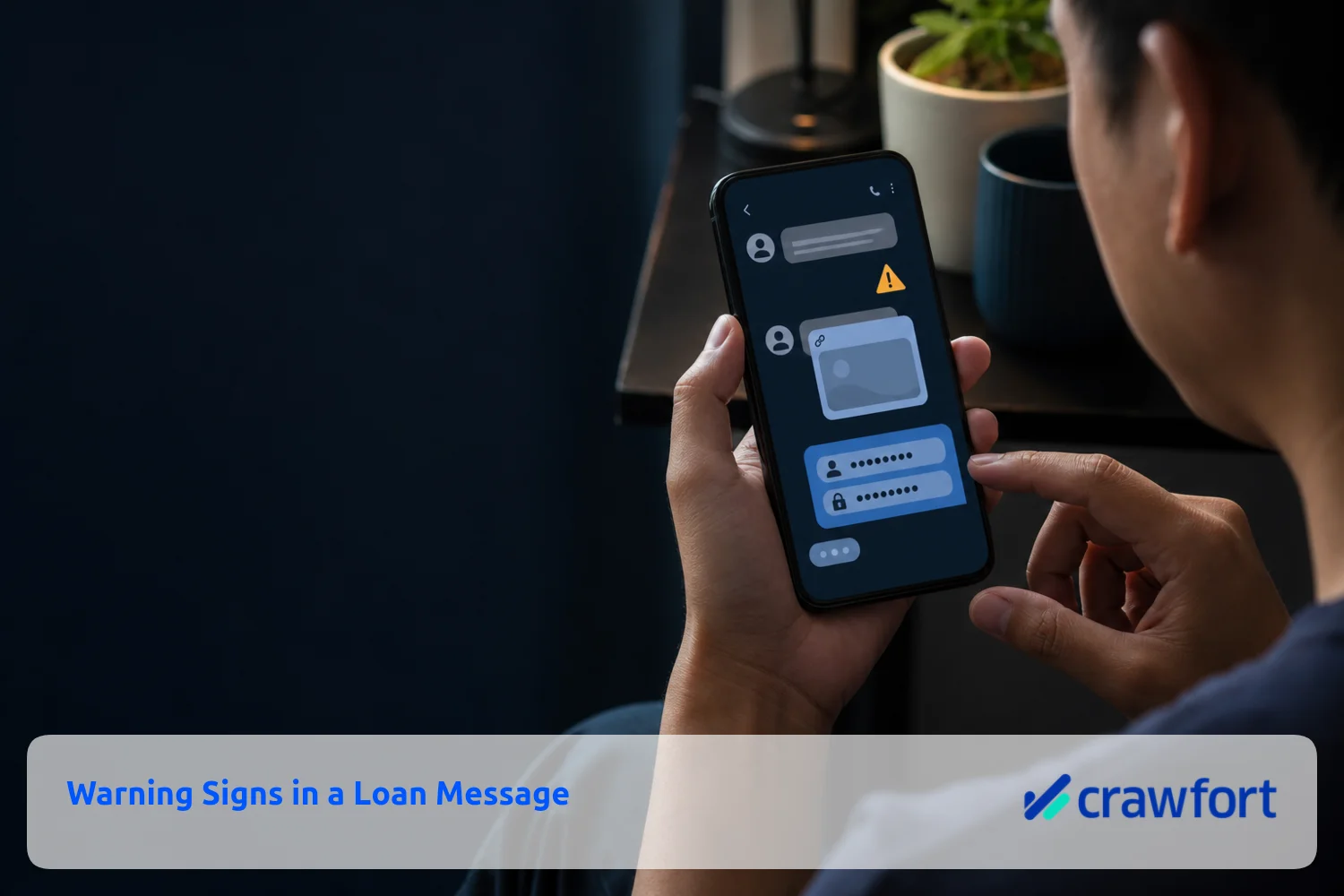
Warning Signs in a Loan Message
One warning sign is enough to pause. Several appearing together should end the conversation.
The Offer Arrives Without You Asking
The Ministry of Law states that licensed moneylenders are not allowed to advertise through SMS, WhatsApp, telephone calls or social media. Its borrowing guide for licensed moneylenders advises recipients not to respond to unsolicited loan advertisements.
If you are researching a legitimate lender, start from an independently verified website or the official registry. Crawfort’s overview of working with a licensed money lender gives useful general context, and comparing licensed and unlicensed moneylenders makes the differences clearer — but the Ministry of Law list should always be your verification source.
The Sender Asks for Confidential Credentials
Never send your Singpass password, Singpass app passcode, OTP, banking password or card PIN. Do not change the contact details in your Singpass account to an email address or mobile number supplied by someone else.
Be wary of QR codes as well. Scanning one may take you to a fake login page or ask you to authorise a transaction. If the sender says the QR code is needed for employment checks, income verification or loan approval, verify the request through a separate official channel.
You Must Pay Before Receiving the Loan
Requests for a “GST fee”, “security deposit”, “processing charge” or any other transfer before disbursement are common scam signals. The Ministry of Law’s licensed-moneylender registry specifically warns about scammers asking victims to make such payments.
Urgency is another clue. A sender who pressures you to act immediately is trying to prevent careful checking. Take the time to compare the message against known personal loan scam warning signs before doing anything.
See what a licensed money lender in Singapore can and cannot do here.
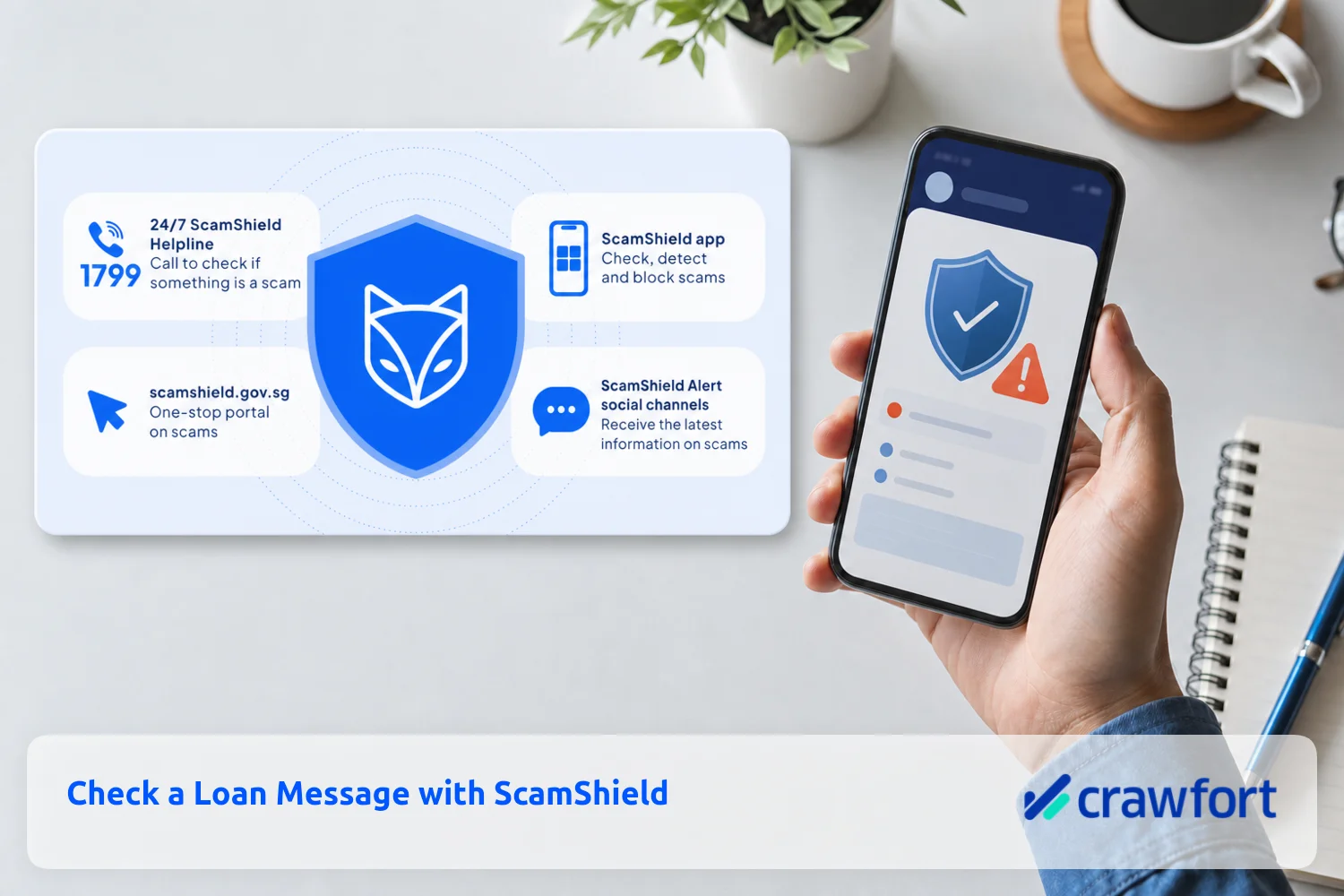
How To Use ScamShield Before Replying
The ScamShield app can check suspicious messages, links and phone numbers. It is useful before you reply, but its result should support — not replace — your own checks.
Step 1. Preserve the Message Without Engaging
Take a screenshot. Do not click any link, scan a QR code, download an attachment or call a number supplied in the message.
Step 2. Start a ScamShield Check
Open ScamShield, select “Check for scams”, start a check and choose the option for a message you received. Depending on the source, you can upload the screenshot or copy and paste the message. The official ScamShield message-checking guide shows the current steps.
Step 3. Treat an Uncertain Result Carefully
A message may be too new to have attracted enough reports. “Not sure” does not mean safe. If the offer arrived unsolicited, asks for private details or demands money, do not continue even if the app has not yet classified it as a scam.
Step 4. Report and Block
If ScamShield flags the message, follow the reporting prompts and block the sender. You can also call the 24-hour ScamShield Helpline at 1799 when you are unsure. For a broader checklist, review Crawfort’s guide to deciding whether an online personal loan can be trusted.
Read more about how loan scams work and how to avoid becoming a victim here.
How To Check Whether a Lender Is Licensed
Do not rely on a licence number, logo or website link sent by the lender. Scammers can copy all three.
- Open the Ministry of Law’s list of licensed moneylenders yourself, by typing the address into your browser.
- Match the lender’s business name, approved address, telephone number and website address.
- Contact the lender using the details in the official list, not those in the message.
- Remember that a licensed moneylender must meet a borrower face to face at its approved place of business before granting a loan. A fully online loan transaction is not allowed.
Even a genuine licence does not make an unsolicited message legitimate. If you are unsure who you are dealing with, review how a licensed money lender in Singapore is required to operate before you share anything.
Learn what you should know about loan sharks in Singapore here.
What To Do If You Shared Your Details
Act promptly, even if no money has left your account.
- Reset your Singpass password through the official Singpass portal.
- Check your Singpass transaction history and account contact details for changes you did not make.
- Contact the Singpass Helpdesk if you see suspicious activity or cannot secure the account.
- If you disclosed banking details or transferred money, call your bank immediately.
- Report the incident through ScamShield and make a Police report where appropriate. You can also call the Police Hotline at 1800 255 0000 or report online through Police i-Witness.
Do not keep negotiating with the sender and do not pay another fee to “recover” the loan. A second payment usually deepens the loss.
Pause, Check and Verify
A genuine need for cash can make a quick loan offer tempting, but urgency should never override account security. Keep your Singpass credentials private, check suspicious messages through ScamShield and verify any lender through the official registry before sharing personal information.
If you have verified the lender, compared the total cost of borrowing and are confident the repayments fit your monthly budget, you can explore Crawfort’s personal loan options or find out more about applying through a licensed money lender. Apply only for an amount you can comfortably repay, and only after you have checked the registry yourself.
Ready to borrow from a verified licensed money lender? Apply with Crawfort today.
Important note: This article is for general information only and does not consider your personal financial situation. Before taking a loan, review the loan contract carefully and make sure the repayments are manageable.