Alwin Goh
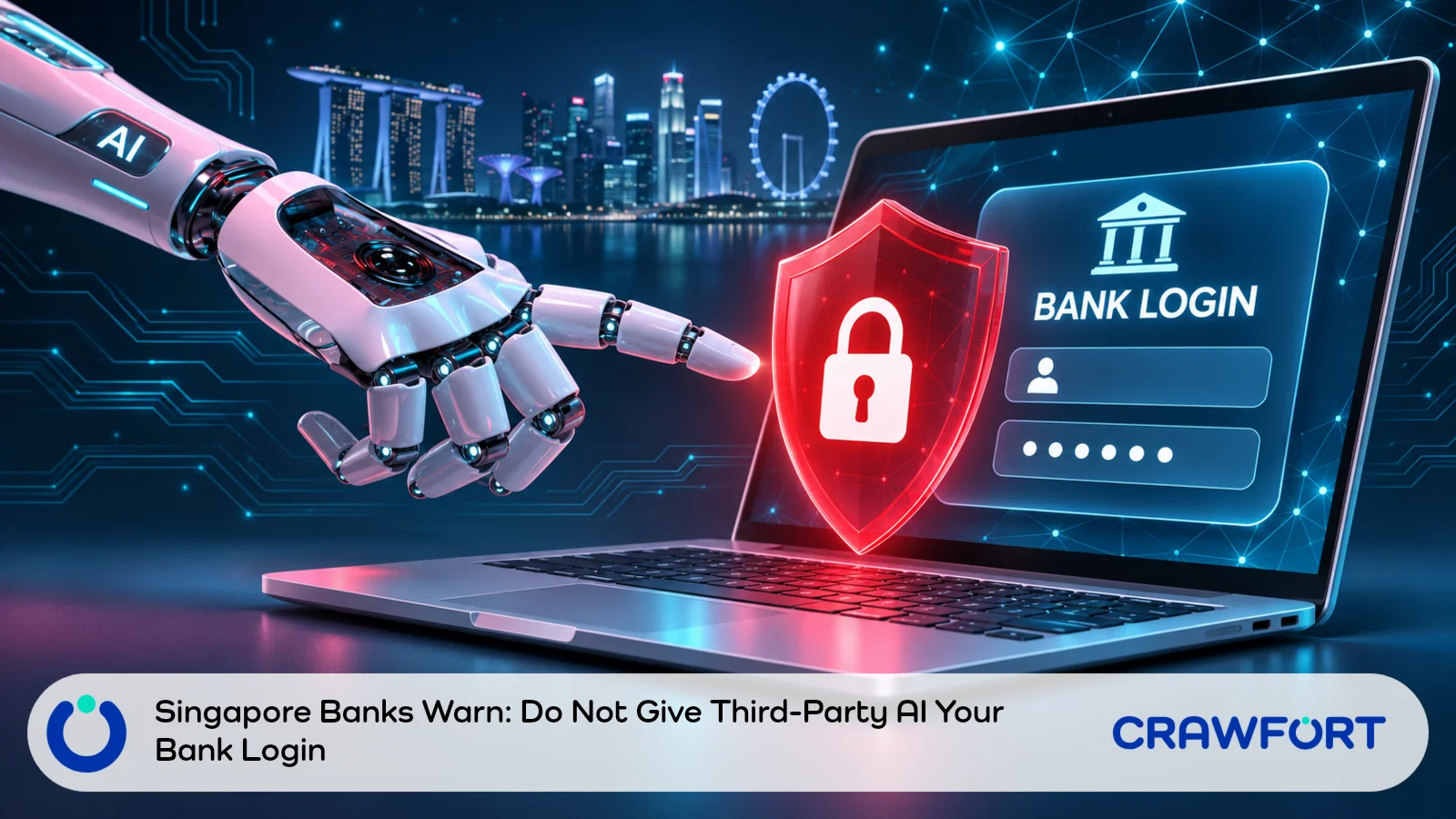
Singapore’s three major banks, DBS, OCBC and UOB, are warning customers against letting third-party artificial intelligence (AI) agents into their bank accounts, The Business Times reported on 13 November 2026.
The report, published at 7am Singapore time, looks at account security and at who’s responsible when software acts for a customer. According to it, the banks had yet to observe such use among their customers. It doesn’t describe any case of a customer here losing money through an AI agent.
DBS spoke about this at its results briefing on 5 November, eight days before the report. Its warning is a safety advisory, and how bank terms treat an agent acting for a customer is still an open question. The Monetary Authority of Singapore (MAS) has also announced industry work on safeguards.
For you, it comes down to access, payment approval and responsibility. Some of that has been said on record. The rest you’d still need to check with your own bank.
| Issue | What The Sources Establish | What To Check |
|---|---|---|
| Sharing Your Login | DBS advises against giving credentials to third parties, particularly autonomous agents. | Whether the bank supports the exact access arrangement. |
| Moving Money | DBS discussed keeping a person involved in the final instruction. | Who approves the amount, recipient and timing. |
| Responsibility For A Dispute | The treatment of agents under bank terms is being examined. | The applicable terms and evidence of what was authorised. |
| MAS Safeguards | MAS and industry are developing controls for financial AI agents. | Whether a particular service has bank approval for its proposed use. |
Table of Contents
- DBS: Don’t Give Your Credentials To Any Third Party
- Account Access Is Different From Payment Authority
- Is The Bank Responsible If A Payment Goes Wrong?
- How MAS Is Handling Financial AI Agents
- Four Things To Ask Before Connecting A Financial Tool
- Already Shared Your Login? Do This First
- Keep The Banking Decision With You
- Frequently Asked Questions
DBS: Don’t Give Your Credentials To Any Third Party
At the bank’s media briefing on 5 November, chief executive Tan Su Shan said DBS advises customers not to give their credentials to any third party, especially autonomous agents. Her remarks are in the DBS transcript of the briefing.
She also raised a question that banks haven’t answered yet. Should a bank’s terms treat an agent acting for a customer as the customer, or as a third party? Each bank would have to look at its own terms and conditions, she said, so telling software what to do doesn’t settle how the bank will treat what it does.
Tan expects customers to use agents to direct their banking over time. Even so, DBS hopes a person will still give the final instruction to move funds, and it’s exploring how to enable some lower-risk transactions safely. She was describing the bank’s approach and work it’s still considering.
Account Access Is Different From Payment Authority
An AI assistant that answers a budgeting question is one thing. An agent goes further and uses tools to carry out a task for you. With a bank account, that raises three questions: how much the tool can see, which actions it can attempt, and how much authority the bank recognises.
Does It Need To See Your Account At All?
Say you want a spending summary. A few figures you key in yourself may be enough, because the task needs totals for food, transport and bills. It doesn’t need your bank login or a full statement.
Rounded totals work for talking through budget categories, so leave out names and account numbers. Before you submit any financial information, read the provider’s privacy and data retention terms.
Operating An Account
Some providers call their tool “read-only”. Ask your bank what enforces that limit, whether it supports the provider, which information the connection exposes and how you’d withdraw access.
The same questions apply if a service wants to operate a banking session you opened yourself. You’re still granting access, even though you never typed a password into the assistant’s chat.
Authorising A Payment
A broad instruction leaves a lot open. Imagine you ask an agent to pay your credit card bill (we made this request up as an example). It still needs the amount and the date, plus the funding account and the recipient. Preparing a payment for you to review is also different from submitting it.
Read the payment details in the bank’s own interface before you approve them. Can the agent change those details after your review? Find out, and ask what would need a fresh approval.
If paying a card bill is the task in front of you, our guide to credit card bill payment methods explains the routes available, though you should confirm the current steps with your bank.
Is The Bank Responsible If A Payment Goes Wrong?
That isn’t settled. The banks’ warning doesn’t decide who’s responsible for a particular AI agent transaction, and the sources don’t give a reimbursement decision for any named customer dispute.
DBS’s comments leave the contractual treatment open. If you ever have to explain a disputed payment, keep three things apart: the instruction you gave the agent, the access you granted, and the transaction that took place.
Here’s how that plays out. Imagine you asked an assistant to prepare a payment for review, then found it had been submitted (again, a made-up scenario). Your original instruction would help explain the complaint, but the bank would still need to examine the transaction and the terms that apply.
Records To Keep
- The task you gave the agent and any limits you specified.
- The access or permissions you granted, including subsequent changes.
- Any amount, recipient or payment instruction you personally approved.
- The transaction record and when you first noticed the problem.
Ask the bank which terms and customer protections it thinks apply, and get its reasons in writing. The warning doesn’t guarantee a refund, and it doesn’t decide the outcome of every complaint involving shared credentials.
How MAS Is Handling Financial AI Agents
On 3 July 2026, MAS and industry published a white paper proposing Safeguards for Agentic Finance at Runtime (SAFR). The framework adds checkpoints that verify and record an agent’s proposed actions before it carries them out, within predefined mandates and risk limits.
Payments and treasury operations are among the use cases in the release, with agents carrying out routine transactions within predefined mandates.
Then on 3 November, MAS announced that the Future of Finance Institute had commenced operations. It’s starting with AI in finance, and that work includes guidance, standards and tools for the safe use of AI agents, building on SAFR.
None of this means a particular retail assistant is approved to access your account, and neither release decides reimbursement for an individual dispute. If a provider points to wider AI adoption, ask your bank about the exact service and task before relying on that.
Four Things To Ask Before Connecting A Financial Tool
Name the provider when you contact your bank, and describe how it would connect. Say whether you want it to analyse information, prepare an instruction or carry out a transaction, so the bank has a concrete arrangement to assess.
Four questions will get you a useful answer:
- Is This Connection Supported? Ask about the named provider and the access method. A provider saying it works with a bank is different from that bank confirming the arrangement.
- What Can It See And Do? Confirm the accounts, information and actions covered, and ask whether payments or changes to account settings are possible.
- Where Must I Approve A Payment? Find out which details appear for review, and whether your approval covers one transaction or a wider instruction.
- How Do I Stop Access? Confirm where to revoke the connection and how the bank can help if something unexpected happens.
Get these answers before you test a connection with a live account. If the bank can’t confirm it supports the arrangement, keep the assistant out of the account and do your banking yourself through official channels.
Already Shared Your Login? Do This First
Stop using the agent for banking, then contact your bank through its official app, its website or the number on your card. Explain exactly what you shared and what the software was allowed to do, even if you haven’t noticed a payment.
DBS customers who believe their details have been compromised should contact the bank immediately, according to its guidance on scams and fraud. The number is 1800 339 6963 (or +65 6339 6963 from overseas), and the call activates its Safety Switch. The same page advises making a police report and warns against giving your Internet Banking credentials, one-time passwords (OTPs) or Digital Token to anyone. Verification approvals sent by DBS email or SMS shouldn’t go to other people, non-DBS websites or mobile apps either.
Tell the bank about any transaction you don’t recognise. Ask how to secure the account and withdraw access, then follow its instructions on changing credentials or blocking account access. Keep the agent’s messages and the transaction records for the review.
If a service asks for another OTP or verification approval, stop and check with the bank directly. Requests involving Singpass credentials, or a financial offer you didn’t ask for, need the same independent check.
Also Read: Protect Your Singpass And Check Suspicious Financial Requests
Keep The Banking Decision With You
Before giving an assistant account access, get your bank’s answer about the named provider and the permissions involved. If you have already disclosed credentials, contact the bank to secure the account.
Keep the instructions and approvals so there is a clear record if a payment later needs to be examined.