Alwin Goh
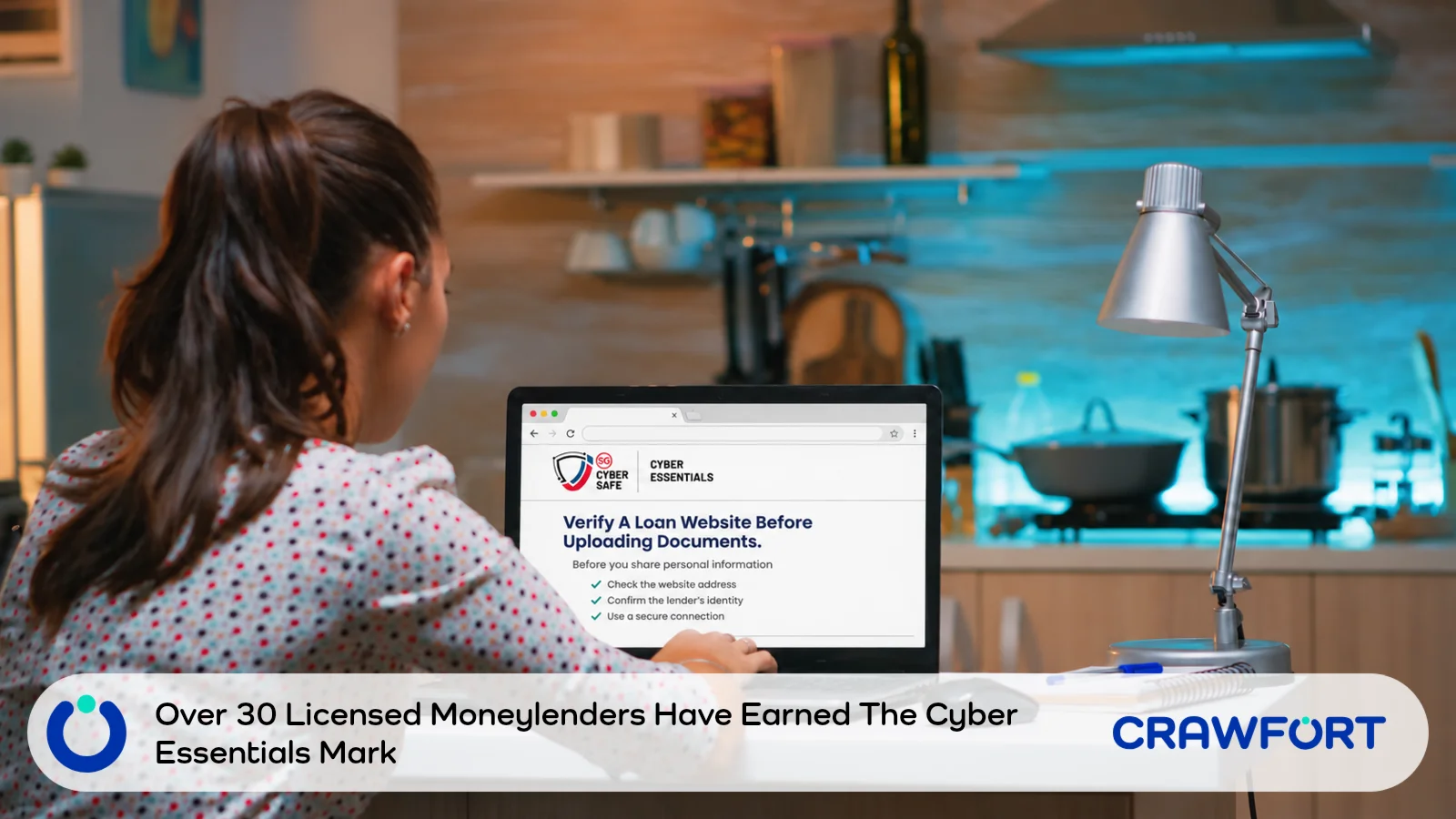
More than 30 licensed moneylenders in Singapore have been certified with the Cyber Essentials Mark, Senior Minister of State for Law and Transport Murali Pillai SC said on 7 November 2026. He was speaking at the Credit Association of Singapore’s 20th anniversary celebration.
The mark is a cybersecurity certification run by the Cyber Security Agency of Singapore (CSA). Mr Pillai pointed to a 2024 data breach involving a third-party IT vendor of several licensed moneylenders. He called it a reminder that lenders need strong data protection and cybersecurity measures.
The speech didn’t name every certified lender. You can still check a lender’s licence, website and badge yourself before you send your NRIC or payslip.
Quick Summary
Each detail a lender shows you needs its own check. Keep this table handy while you switch between the official lists, the application form and your messages.
| What You Are Checking | Where To Check | What To Do |
|---|---|---|
| The lender and its website | MinLaw’s list of licensed moneylenders | Find the legal company name and open the website listed for it. |
| A Cyber Essentials badge | CSA’s Directory of Certified Organisations | Match the company name and check the expiry date. |
| A request for your NRIC or payslip | The lender’s verified website or listed landline | Confirm what the lender needs and how to send it. |
| An unsolicited loan offer | Police advisory and ScamShield | Don’t tap the link. Check the offer yourself. |
Table of Contents
Is The Lender Really Licensed?

The Ministry of Law’s Registry of Moneylenders publishes a list of licensed moneylenders. The latest version, dated 1 November 2026, shows each lender’s business name, address, licence number, landline and website. Open it yourself instead of trusting a link someone sent you.
- Match the company name. The list uses the legal company name, which may differ from the brand on an advert. Look for the legal name on the lender’s website, then find it on the list. As at 1 November 2026, the list shows no suspended moneylenders, so check again on the latest version.
- Open the listed website. Key in the URL from the list and check the address bar. One extra word or a different ending can take you to a fake site. A padlock (HTTPS) only means the connection is encrypted, and scam sites can have one too.
- Check any other link. Got an application link from a person rather than the website? Call the landline on the Registry entry and ask whether the link is theirs.
Licensed moneylenders can’t offer loans by text, phone or social media, according to the Singapore Police Force’s advisory on loan scams. They must verify your identity face to face, and they can’t ask for any payment before the loan is paid out. A “lender” who approves your loan over a messaging app, or asks you to transfer money to release it, isn’t following those rules. Stop replying.
Also Read: Can you get a licensed moneylender loan fully online in Singapore?
How Do You Check A Cyber Essentials Badge?
CSA lists every certified company in its Directory of Certified Organisations. You’ll find it under “Certified organisations” on CSA’s Cyber Essentials certification page. It’s a PDF, so search it for the legal name you found on MinLaw’s list. Long names can wrap across two lines, and searching for one distinctive word usually finds them.
Check the expiry date beside the entry too. CSA says certification is valid for two years, and an independent assessor from a CSA-appointed certification body verifies each company’s self-assessment. In the directory dated 5 November 2026, some entries expire before the end of the year.
MinLaw said Alles Autos Credit Pte Ltd was the first licensed moneylender to get Cyber Essentials certification. The company was recognised at Singapore International Cyber Week 2026. It appears in the directory with an expiry date of 23 September 2027.
Anyone can copy a badge onto a fake site. A directory match tells you the company is certified, but it can’t tell you who runs the form in front of you, so still apply through the lender’s own website. Can’t find the name, or has the certificate expired? Ask the company through its listed landline and treat the claim as unverified until it replies.
Which Documents Should You Send?

Once the lender checks out, ask what it needs at your stage of the application. Lenders ask for ID to confirm who you are and payslips to assess your income. The exact list depends on how you earn and what the lender already has.
Showing Your NRIC In Person
Not sure about an upload request? Ask whether you can show your original NRIC at the appointment instead. MinLaw says licensed moneylenders aren’t allowed to keep your NRIC or other ID documents, so take your originals with you when you leave.
A Message Asks For Another Payslip
Call the lender on the number you checked and give your application reference if you have one. Ask whether the request came from them, which month they need and whether you can bring it to the appointment. Just changed jobs? Check what they’ll accept before you send bank statements or other income records.
Also Read: How to prove your income for a personal loan
Singpass And Myinfo Requests
Some applications use Myinfo to fill in your details with your consent. Start from the lender’s verified website, then read the service name and the data listed on the consent screen. Approve only a request you started yourself.
Your Singpass password, bank login and one-time passwords (OTPs) should stay with you. The police say licensed moneylenders won’t ask for your Singpass login details. A caller who asks you to read out a code or approve a prompt isn’t your lender, so hang up.
Applying Through Our Official Channel
On MinLaw’s list (as at 1 November 2026), Crawfort appears under the legal name CF Money Pte. Ltd., licence number 86/2026, with crawfort.com as its website. Start from that site, select Singapore and use the apply links there. You can confirm any request about your application through the loan enquiries number on our contact page.
Our application FAQ lists your NRIC and Singpass with two-factor authentication (2FA) if you’re employed or self-employed. Employees also need three months of official computerised payslips. Grab and taxi drivers need their NRIC with Grab statements or a taxi licence instead. Unsure what applies to you? Check with us on the contact number before you send any files.
Already Sent Your Documents?
Stop sending anything once you realise the website address was wrong. Save the URL, the messages and screenshots, and write down what you shared and when.
Call your bank straight away on its official number if you also gave banking details or sent money. Shared a password or approved a sign-in? Secure that account through its official app or website.
ScamShield’s steps for scam victims include contacting your bank and filing a police report. You can also call the 24/7 ScamShield Helpline at 1799 if you’re unsure whether it was a scam.
Watch for follow-up messages that use your name, employer or NRIC number. Scammers may be taking those details from the documents you sent.
Before You Upload A File
More than 30 licensed moneylenders now hold the Cyber Essentials Mark, though the badge only tells you about the company. Check the lender on MinLaw’s list and the badge in CSA’s directory, then apply through the website on the Registry. Still unsure about an upload link? Call the listed landline and ask if you can bring your documents to the approved office.