Alwin Goh
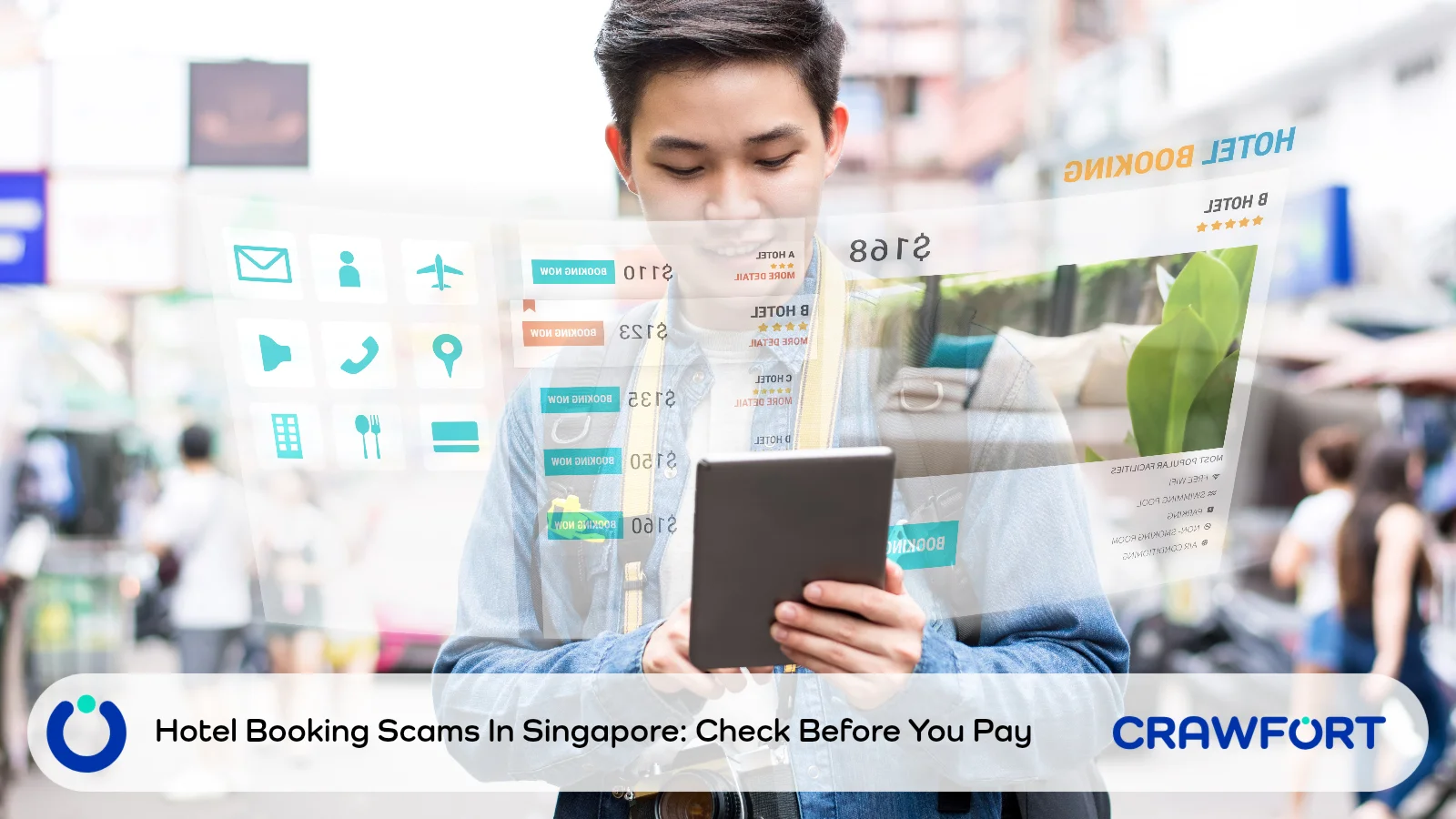
A WhatsApp message arrives with the name of your hotel and the dates of your stay. It asks you to verify your card so your reservation stays confirmed. Because the details match, the request feels connected to a booking you actually made.
Correct reservation details do not prove that the sender represents the hotel or that the payment link is safe. Before responding, open the reservation through the official app or a website address you type in yourself, and contact the hotel through details you find independently.
If you have already entered card details or approved an unexpected transaction, contact your card issuing bank immediately. Do not wait for the hotel to reply before securing your card.
Quick Summary: What Should You Check First?
Find the situation closest to yours below. Your first priority changes once you have shared card details or approved a request.
| Your Situation | First Action | What Needs Checking |
|---|---|---|
| A message quotes your real booking | Open the reservation independently | Whether the hotel sent this specific request |
| You are asked to verify a card or prevent cancellation | Compare the request with the original booking terms | The reason, amount, timing and payment recipient |
| A bank approval appears unexpectedly | Reject it and contact the bank if concerned | What transaction or account action you would be approving |
| You entered card details on a suspicious page | Contact the card issuing bank immediately | How to secure the card and check for misuse |
| An unfamiliar transaction appears | Report it to the bank and keep evidence | The merchant, amount, currency, time and related messages |
Table of Contents
- What The Latest Police Advisory Says
- Why Genuine Booking Details Do Not Prove A Message Is Safe
- How To Verify A Hotel Payment Request
- When A Hotel Deposit May Be Legitimate
- Read The Card Approval Before Accepting It
- What To Do If You Have Already Responded
- Protect Your Card While Travelling
- Confirm The Request Before You Pay
- Frequently Asked Questions
What The Latest Police Advisory Says
In its 9 October 2026 advisory on hotel booking phishing scams, the Singapore Police Force reported at least 148 cases since January 2026, with losses of at least S$185,000. These are minimum figures as of October 2026, not a total for the full year.
Scammers impersonate hotels or booking platforms, mostly through WhatsApp messages and emails, and ask recipients to confirm an upcoming stay or verify their card details. Some messages contain genuine reservation information, which makes the approach more convincing.
The link leads to a phishing page. Victims are told no money will be deducted, so they submit their card information and then authorise the transaction. Many only discover the fraud after unauthorised charges appear on their card or after checking with the hotel directly.
The advisory concerns phishing linked to real accommodation bookings. It does not say that every affected hotel or booking platform suffered the same security incident, or explain how scammers obtained the booking details in each case.
Why Genuine Booking Details Do Not Prove A Message Is Safe
A correct reservation number shows that the sender knows something about your booking. It does not confirm who they are or whether they have the authority to collect payment.
A hotel logo, a familiar staff name and a well written message can all make a request look genuine. None of them reliably identifies the person behind it.
Avoid guessing where the information came from. A suspicious message alone is not evidence that your own account was hacked, that a named platform leaked your data or that the hotel shared it. Report what you received without turning an assumption into a claim.
Choose the contact channel yourself. If you ask the WhatsApp sender whether they are genuine, you are still relying on the person whose identity you need to check.
Also read: Why accurate personal details can make impersonation scams convincing
How To Verify A Hotel Payment Request
Check the sender, the booking terms and the action you are being asked to approve separately. A hotel confirming that your reservation exists has not necessarily confirmed the payment request attached to it.
Check 1: Contact The Hotel Through A Separate Channel
Leave the message and open the official hotel website by typing its address yourself. Alternatively, open the booking platform’s official app and find your reservation in your account.
Use the hotel’s published telephone number or the platform’s official support channel. Avoid numbers, QR codes and links that appear only in the unexpected message. If you cannot tell which contact is official, pause rather than try the payment link.
Ask a specific question: did the hotel send this card verification or payment request? Give the sender’s number, the time of the message and the action requested. Ask the hotel to check the message itself, not simply confirm that you have a room booked.
Check 2: Compare The Request With Your Booking Terms
Read the confirmation you received when you booked. Check who collects payment, whether you prepaid, whether a deposit is required and when any remaining amount is due.
If a new message says your reservation will be cancelled unless you enter your card details again, ask one question: what has changed from the original arrangement?
If the hotel says a payment is genuinely needed, ask it to confirm the reason, amount, currency, recipient and approved payment method through a channel you have verified. Do not accept a replacement WhatsApp link as the only confirmation.
Check 3: Confirm What You Would Approve
Compare any payment page and banking prompt with the arrangement you have verified. You should understand exactly what you are accepting. Stop if the instructions conflict or the bank asks you to approve something you did not expect.
Do not make a small payment to test whether a website is genuine. Entering your card information is itself an exposure, even when the amount looks insignificant.
For an extra check, follow ScamShield’s instructions for checking a suspicious message. You can upload a screenshot or paste the message text into the app. Use the result alongside independent confirmation, not as a replacement for checking the request with the hotel. If you are still unsure, call the 24/7 ScamShield Helpline at 1799.
An Example Of A Request That Needs Checking
Imagine a message arriving the day before your trip. It quotes the correct hotel and stay dates, says your card needs verification and warns that your room may be released. This is an illustrative scenario, not a reported case.
Open your original confirmation. If it says payment is due at the property, ask the hotel why a card check is now required before arrival. Even if an advance deposit was mentioned, confirm that this particular request and its payment method are genuine.
If the hotel denies sending the request, keep the message as evidence and report it through the relevant platform. If it cannot give a clear answer, do not use that link.
When A Hotel Deposit May Be Legitimate
Some reservations involve advance payment, deposits or card pre-authorisations, so a request involving your card is not automatically fraudulent. What matters is whether you can verify both the arrangement and the person asking you to complete it.
A pre-authorisation can appear as a temporary pending transaction. UOB’s credit card help page, for example, notes that pending charges, including pre-authorisations at hotels, are temporary and may change.
That does not mean you can ignore an unfamiliar pending transaction. Ask the hotel to explain any hold you expected, and ask your card issuer about anything you do not recognise. Do not assume that a scammer’s phrase such as “verification only” describes what the bank will actually process.
For a proposed hold, ask the hotel what it covers and when it will be released. Your card issuer can explain how it will appear on your account. Get those answers before accepting a process that was not clear when you booked.
Read The Card Approval Before Accepting It
Treat every banking prompt as a separate decision. Read the action, merchant, amount and currency wherever they are shown. Do not approve it just because the WhatsApp message says no money will be taken.
If the prompt concerns an action you did not intend, reject it. Contact your bank if you cannot identify the request or think your card details may have been exposed. Never pass a one-time password (OTP) to the person messaging you, and never let them talk you through an approval you do not understand.
The hotel advisory does not say these cases used the same method as parcel delivery scams, which can involve adding your card to a mobile wallet. When you speak to your bank, describe the actual approval you saw, whether a payment, a login or another action, rather than guessing how the scam worked.
Read more: How a small parcel delivery payment can lead to card fraud
What To Do If You Have Already Responded
Start with what information or access you gave away. You do not need to finish investigating the hotel message before asking your bank for help.
If You Only Opened The Link
Close the page and stop interacting. Opening a link is different from entering card details, approving a request or installing software, so do not assume all of these happened.
Check whether you entered any information, downloaded anything or granted permissions. If you installed an app or gave access to your device, say so when you seek help, and use another trusted device to contact your bank if you think yours is compromised.
If You Entered Card Details Or Approved A Request
Contact your card issuing bank immediately through its official app, the number printed on your card or its website, typed in yourself. Explain whether you entered the card number, expiry date and security code, shared an OTP or approved a banking notification.
Follow the bank’s instructions on blocking or replacing the card and reviewing recent transactions. Acting quickly gives the bank the best chance to stop further charges.
If You Notice An Unfamiliar Transaction
Tell the bank you suspect fraud and ask how to report or dispute the charge. Keep the transaction record, messages, sender details and relevant times. Do not reopen the suspicious website to collect more evidence.
After securing the affected card or accounts, follow ScamShield’s steps for people who have been scammed, which include making a police report and informing the platform involved. Contact the hotel separately so it can check your genuine reservation.
Keep a record of your bank report and any reference numbers. Reporting does not guarantee a refund. If someone later asks for a fee to release or recover your money, treat that as another scam and do not pay.
Protect Your Card While Travelling
Before you leave, save your bank’s official fraud hotline and the hotel’s verified contact details. Keep the payment terms together with your reservation confirmation, so you can check a request quickly while in transit or in a different time zone.
Turn on transaction notifications and review alerts as they arrive. Find out which card controls your bank offers, such as blocking a card in its app, and how to use them if your card is compromised overseas. Features vary by bank.
The Police also recommend adding the ScamShield app, keeping two-factor or multifactor authentication on for banking and e-wallets, and setting transaction limits for internet banking. Where your bank offers Money Lock, you can use it to protect part of your savings from digital transfers. It does not protect every card transaction, and it is not proof that a hotel link is safe.
If someone else manages the booking, agree in advance who will verify any payment request. Otherwise, a forwarded message can be treated as “the hotel’s instruction” before either of you has checked it.
Confirm The Request Before You Pay
Before your next trip, keep your reservation confirmation, the hotel’s verified contact and your bank’s fraud hotline in one place. An unexpected payment message then becomes a request you can check on your own terms, without relying on the contact details it supplies.
If you have already shared card details, contact your bank first. Note down exactly what you entered or approved, then confirm the status of your stay through the hotel’s official channel.
If a scam leaves you short on cash before payday, borrow only from a licensed money lender such as Crawfort, check the full repayment amount and never pay any fee upfront to have a loan released.
Important note: This article is for general information only and does not consider your personal financial situation. Before taking a loan or agreeing to a restructuring plan, review the contract carefully and make sure the repayments are manageable.